


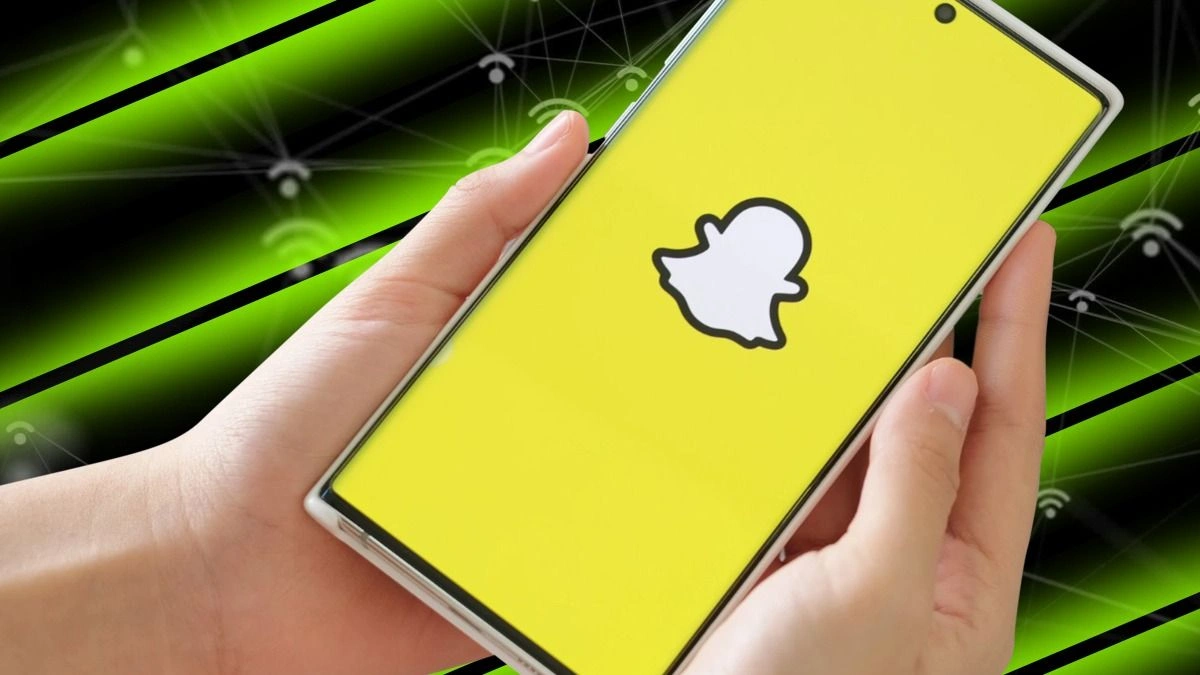
How To Use Snapchat Without Wasting Your Mobile Data: Snapchat is a popular social media app that lets you share fun moments with friends and followers. You can send pictures and videos directly to friends, or post stories that everyone can see. To upload or view snaps and stories, the app uses your mobile data if you’re not on Wi-Fi.
Save Mobile Data with Data Saver Mode
Good news! Snapchat offers a way to save data without missing out on your favorite content. The app has a Data Saver mode, sometimes called Travel Mode, which reduces how much mobile data it uses.
When Data Saver is on, snaps and stories won’t automatically load – you just tap to load them while using mobile data. It’s an easy way to enjoy Snapchat without draining your data plan.
How to Turn Data Saver On or Off
On iOS:
Go to your Profile screen and tap the gear icon ⚙️ to open Settings.
Tap on ‘Manage’ under ‘Additional Services’.
Toggle “Data Saver” on or off.
On Android:
Open Settings by tapping the gear icon ⚙️ on your Profile screen.
Scroll down and select ‘Data Saver’.
Toggle “Data Saver” on or off.
Pro Tip: You can choose to keep Data Saver enabled for 3 days, 1 week, or Until Turned Off, giving you control over how long you want to save data.
Enjoy Snapchat Without Worrying About Data
With Data Saver mode, you can keep snapping and viewing stories without worrying about using up all your mobile data. It’s a simple feature that makes enjoying Snapchat easier, especially when you’re on the go or traveling.
ALSO READ: Most Viewed Websites In France In 2025