


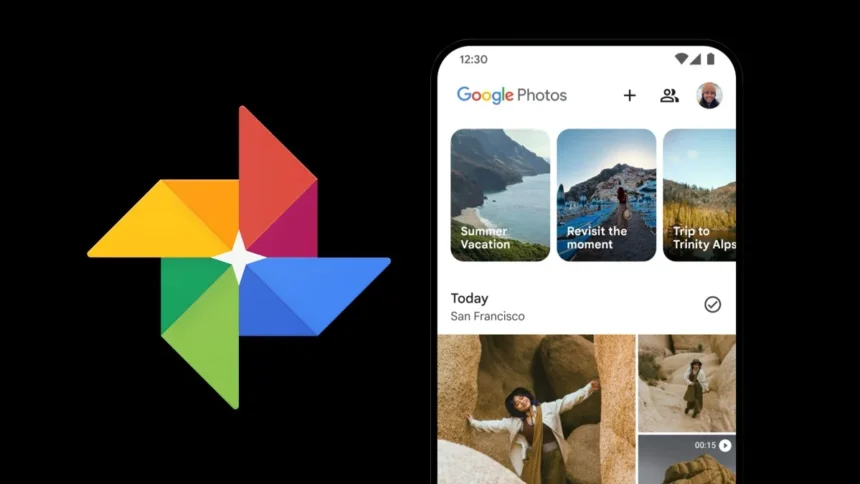
Many smartphone users delay organising their photo libraries, leading to cluttered camera rolls filled with screenshots, travel photos, and everyday moments. Google Photos offers a simple and efficient way to organise these images into clean, shareable albums, with the option to turn them into printed keepsakes. The process is quick, intuitive, and accessible on both mobile devices and computers.
Getting started with Google Photos on your phone:
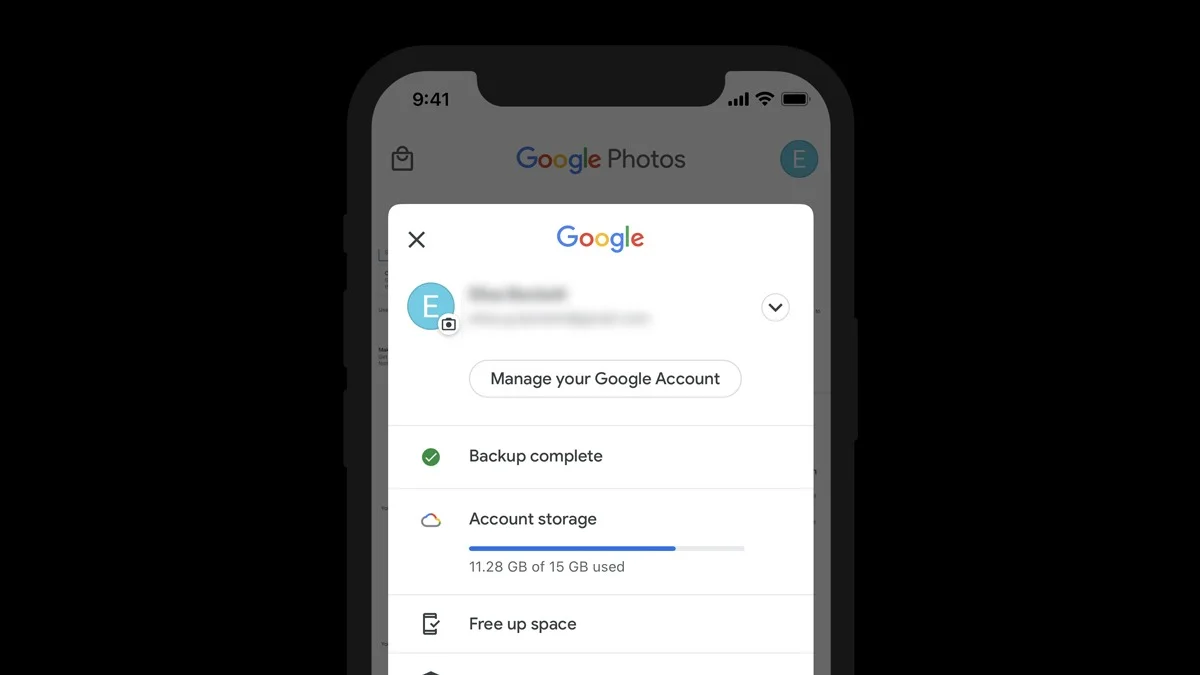
On most Android smartphones, Google Photos automatically backs up images to a Google account. This ensures photos remain accessible even if the device is lost or replaced.
Creating an album requires only a few steps:
- Open the Google Photos app.
- Tap the ‘+’ icon at the top of the home screen.
- Select ‘Album’ from the menu.
- Enter a title, such as something more distinctive than “Summer 2024,”.
- Choose the photos to include.
The album is created instantly. Photos can be rearranged at any time, and short descriptions can be added if needed.
Sharing is built directly into the album feature. By tapping “Share,” albums can be sent to contacts, allowing them to view the photos. If collaboration is enabled, others can also add their own images, making it ideal for group events such as trips, weddings, or family gatherings.
Creating albums from a computer:
Albums can also be created using a desktop or laptop through the Google Photos website. The steps closely match the mobile experience:
- Open Google Photos in a web browser.
- Click the ‘+’ icon at the top of the page.
- Select ‘Album’ and name it.
- Upload new photos or select existing ones.
Any changes made on one device automatically sync across all others. Photos added from a phone or computer will appear everywhere, keeping the entire library consistent and up to date.
Each album can contain up to 20,000 photos or videos, offering ample space even for large collections.
Turning albums into printed keepsakes:
Google Photos also allows digital albums to be transformed into physical products. Albums can be converted into printed photo books or individual photo prints directly through the app.
Open an album, access the options menu, and choose the “Print store” feature. From there, various layouts, sizes, and finishes are available, with payment handled through Google Pay. This provides a straightforward way to create tangible photo books or gifts from digital memories.
Smart organisation with built in tools:
Google Photos includes intelligent features that help simplify organisation. The app can automatically suggest albums by grouping photos from the same event, trip, or person, reducing the need for manual sorting.
As more personal content is stored digitally, having photos organised into clear, accessible albums helps ensure important moments remain easy to find. Whether preserving milestones, travel memories, or everyday highlights, Google Photos offers a practical way to keep images organised, secure, and ready to revisit at any time.
ALSO READ: Samsung Galaxy S26 Ultra Gets Major Power Boost Ahead of 2026 Launch