

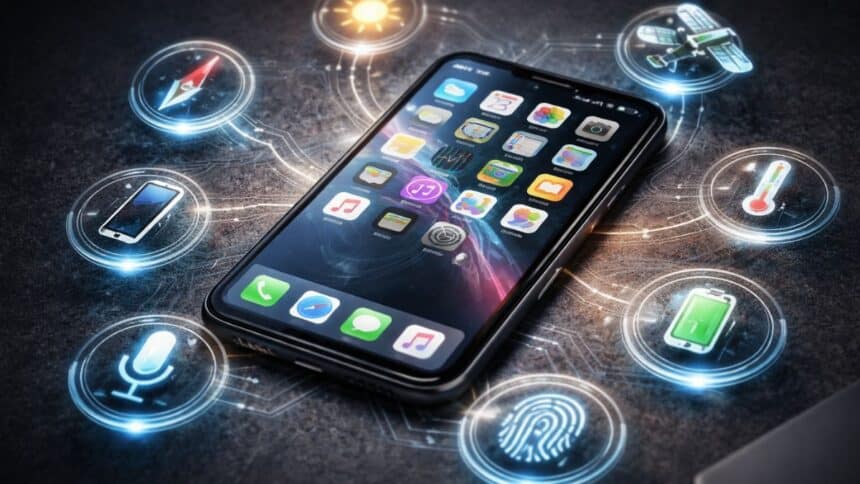
When you tap the display of your iPhone, it’s more than just a simple screen reaction. Several sensors are always active in the background, constantly adjusting, measuring and responding to your actions in real-time.
These “always on” sensors do not mean that they are spying on you 24/7; rather, they are active in the background to help ensure that your phone runs seamlessly, responds accurately to your actions, and is safe to use.
The following is a breakdown of the most common sensors that run on most of the time, as well as what these sensors do.
1. Ambient Light Sensor
This one works non-stop. It detects the lighting around you and automatically adjusts your screen brightness. That’s why your screen dims at night and brightens outdoors without you touching anything.
2. Accelerometer
This iPhone sensor tracks movement and motion. It’s what allows screen rotation, step counting and motion-based apps.
It’s active whenever your phone is moving, which is basically all day.
3. Gyroscope
Think of this as a more precise motion tracker.
It works with the accelerometer to improve gaming controls, enable smoother AR (augmented reality) and track exact orientation.
Without it, motion-based apps would feel laggy and inaccurate.
4. Magnetometer
This sensor detects direction using Earth’s magnetic field.
It helps maps point the right way, and navigation apps stay accurate
If you’ve ever seen your map rotate correctly while walking, this is why.
5. GPS Sensor
Your phone’s location tracking depends on this.
It connects with satellites to show your real-time location, power maps, cabs, and delivery apps and enable location-based reminders.
6. Face ID Sensor System
This is more than just a camera. It uses depth sensors and infrared to map your face securely. It keeps adapting over time, like when you wear glasses or change lighting.
It’s not scanning constantly, but it’s always ready to activate instantly.
7. Touch Sensors
Your iPhone screen isn’t just a display; it’s a sensor layer.
It detects taps, swipes, pressure and gestures
That’s what makes everything feel smooth and responsive.
So, Are These iPhone Sensors Always Tracking You?
Not exactly.
Most of these sensors are passive (they respond, not record everything), controlled by system-level permissions and activated based on usage
But yes, they are always working in some form to keep your phone functioning properly.
Your iPhone feels “smart” because it’s constantly sensing your environment—light, motion, location, temperature, and more.
Also Read:Should You Restart Your Android Phone Once Everyday?