
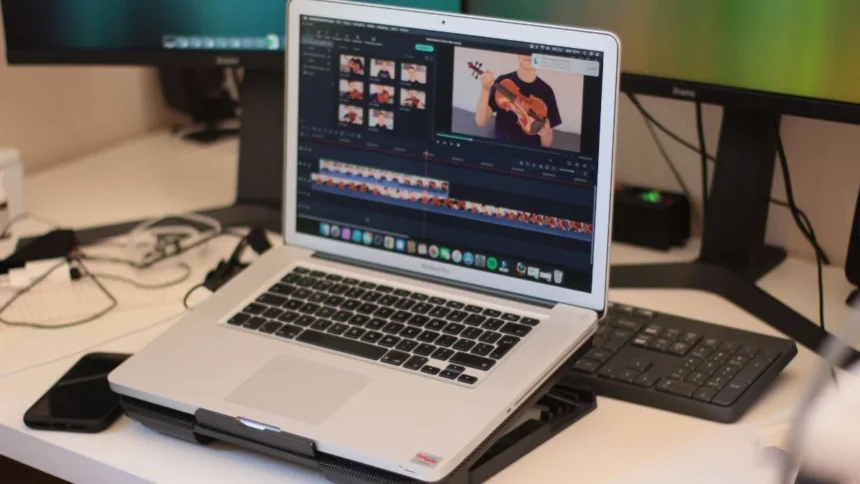
Many photo editing applications are available to you in 2026; they are as good as many desktop programs; however, they are much easier to use.
If you need just a simple edit for an Instagram post or if you want to edit the RAW image with total control, there are different apps for everything and they will do the edits for you!
The best part of all of these apps is that there are many free apps! Many of them have some free features available without requiring payment up front!
Best Photo Editing Apps of 2026
Let’s see the list of the top photo editing apps of 2026 that you should use.
- Snapseed
If there’s one app you should start with, it’s Snapseed. It’s been around for years, but it still hits harder than most newer apps.
You get everything from basic brightness and contrast tools to advanced features like HDR, healing tools, and even selective edits. It also handles RAW files, which is a big deal if you’re serious about photography.
No ads, no hidden paywalls for core features. That alone makes it one of the best free editing apps out there.
- Adobe Photoshop
If you’ve ever used Photoshop, this one feels familiar. It packs in features like object removal, face retouching, and even AI-powered edits.
It’s built for both casual users and creators who want quick, polished results for social media. You can do a lot for free, but the more advanced AI tools sit behind a subscription.
Still, for a mobile app, it gets surprisingly close to desktop-level editing.
- VSCO
VSCO isn’t just about editing; it’s about style.
It’s known for its film-inspired presets that can instantly transform your photos. If you like that vintage, cinematic vibe, this is where you go.
The interface can feel confusing at first, but once you get used to it, it’s one of the most creative tools out there. Just know that the best presets are locked behind a paid plan.
- Adobe Lightroom
If you want control, Lightroom is where things get serious.
It’s perfect for editing RAW images, fine-tuning colours, and making precise adjustments. Plus, it syncs with desktop versions, which makes it ideal if you edit across devices.
It’s simple enough for beginners but deep enough for pros. Some advanced features require a subscription, but even the free version is solid.
- PicsArt
PicsArt leans heavily into fun and creative edits.
From AI-generated backgrounds to filters, text overlays, and effects, this is the app you use when you want your photos to stand out on social media.
It’s beginner-friendly and packed with features, though some of the more advanced tools are behind a paywall.
So, if you also like to elevate your pictures, try two or three out of these and see what fits your style. Because in 2026, your phone is basically a full editing studio.
Also Read: Best Photo Editing Apps for Your Smartphone in 2025