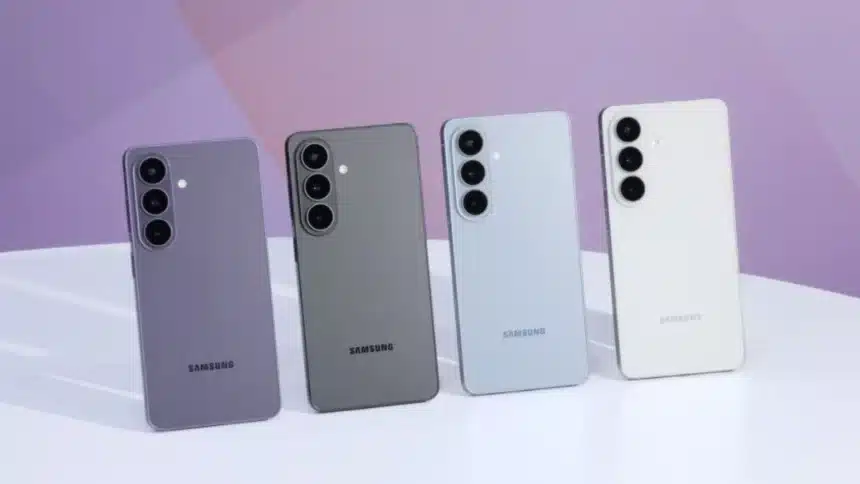
The Samsung Galaxy S26 Ultra comes equipped with a large number of intelligent technologies to help make everyday life easier and to make your daily experience as remarkable as possible.
Most consumers are unaware of all of these features, so let me tell you.
Top 10 Hidden Samsung Galaxy S26 Ultra features
Here’s a closer look at 10 hidden features of the Samsung Galaxy S26 Ultra that can actually change how you use your phone.
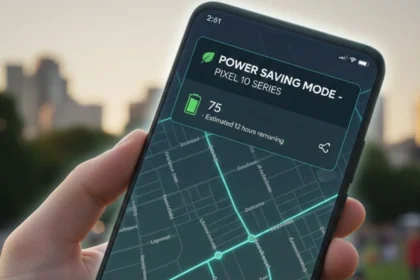
- Adaptive Battery Intelligence
Your Samsung Galaxy S26 Ultra learns how you use apps daily and automatically limits battery to the ones you rarely open. Over time, this improves battery life without slowing down performance
- Advanced S Pen Air Actions
The S Pen is not just for writing. You can control apps, switch camera modes, and even scroll using simple air gestures. It’s subtle, but once you get used to it, it saves time, especially when your hands are busy.
- Hidden Secure Folder Enhancements
The Secure Folder now feels more like a second private phone. You can install separate apps, lock them with biometrics, and store sensitive files safely without affecting your main setup.
- Pro-Level Camera Night Optimization
Low-light photography gets a major boost here. The phone uses AI and multi-frame processing to automatically brighten and sharpen images, so you don’t have to tweak settings manually.
- Dual Video Recording Mode
You can record using both front and rear cameras at the same time. This is perfect for creators, reactions, or interviews where you want both perspectives in one frame.
- Smart Widgets Stack Customization
Instead of cluttering your Galaxy S26 Ultra home screen, you can stack widgets and swipe through them. Weather, calendar, reminders, everything in just one place, without the mess.
- Enhanced Privacy Dashboard
This feature shows exactly which apps are accessing your camera, mic, or location. It’s a simple way to stay in control of your data without digging through settings.
- Background Noise Isolation in Calls
Calls get clearer even in noisy environments. The phone filters out background noise so your voice comes through clean, whether you’re outdoors or in a crowded space.
- Hidden Edge Panel Tools
The Samsung Galaxy S26 Ultra Edge Panel gives you quick shortcuts to apps, tools, and contacts. Once customised, it cuts down the time you spend jumping between menus.
- Intelligent Storage Cleaner
The phone suggests duplicate files, unused apps, and junk that you can safely remove. It helps keep your device fast without deleting anything important.
So, these settings work quietly in the background to make your experience smoother, faster, and more efficient.
Also Read: 11 iPhone Privacy Settings You Should Turn On Right Now