




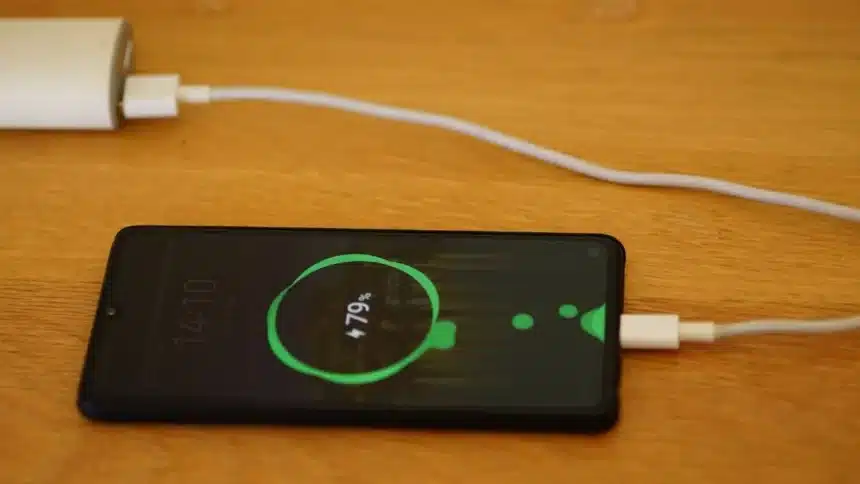
If your battery on a OnePlus Nord or any device running OnePlus takes a couple of hours to die, there are an abundance of others that have the same issue.
Many users say that it’s their battery that drains, but the actual problem is the settings on the phone, as well as on any application used, plus how you are using the phone.
Here’s what does work.
Steps To Improve Battery Life On a Oneplus Phone
- Stop Apps from Running in the Background
The biggest battery drain is apps that automatically start and run in the background when they aren’t being used.
If you want to stop this from draining your battery, do the following:
Open Settings > Applications > Auto Start / Background Activity
- Use Built-in Battery Optimization
Apps marketed as “battery savers” can seem beneficial; however, in most cases, these types of apps do more harm than good.
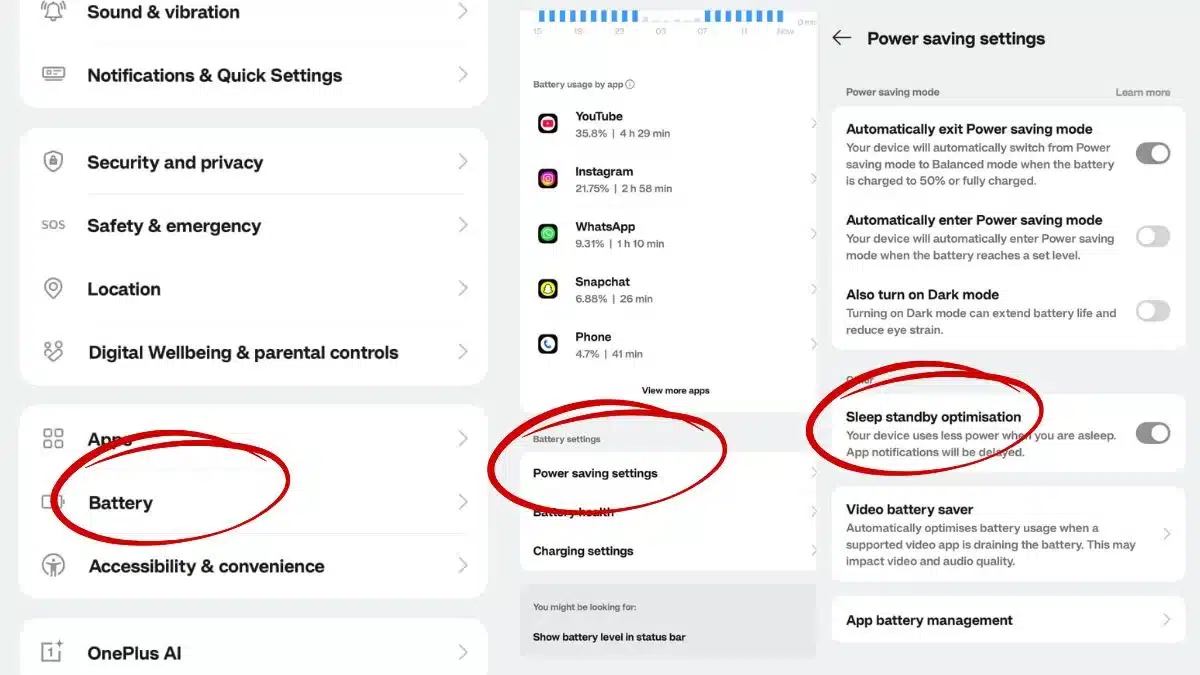
Battery Management in OxygenOS is already built-in, and you can access it easily by going to Settings > Battery > Battery Optimization
- Turn On Sleep Standby Optimization
OnePlus has aggressive background control when your phone is idle.
So always enable sleep standby optimization.
Go to Settings > Battery > Advanced settings > Sleep Standby Optimization
- Turn Off Things You’re Not Using
Always turn off Location when not needed, disable Wi-Fi scanning & Bluetooth scanning and switch off Wi-Fi when you’re on mobile data
These small things quietly drain the battery all day.
- Use Data Saver Mode
Go to Settings > Mobile Network > Data Usage > Data Saver. This feature will limit apps from constantly refreshing in the background.
- Control Location Permissions
Some apps track your location 24/7 for no reason. So, always set location access to “While using the app” and turn off location for apps like social media
- Fix Your Charging Habits
Battery health matters long-term.
Keep charge between 20%- 80%. Avoid draining to 0% regularly and don’t keep it plugged in overnight all the time
Also Read: How To Use Two WhatsApp Accounts On One Phone Effortlessly