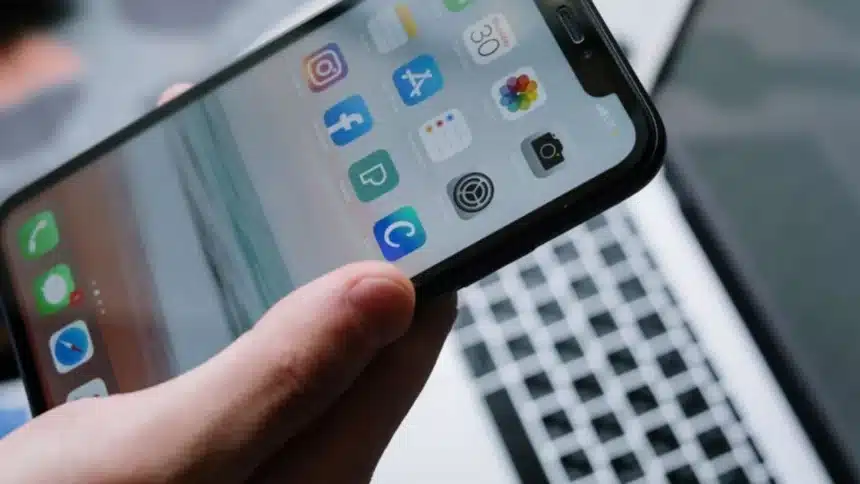
While most people treat the iPhone Files app as a digital junk drawer, a place where PDFs go to die or where random downloads get buried, it is actually the hidden command center of the iOS ecosystem.
Since its introduction with iOS 11, the app has evolved from a basic storage viewer into a sophisticated file management system that rivals a desktop computer’s capabilities.
Rather than just a “folder,” the Files app acts as a bridge between your device, your cloud services, and your external hardware.
It’s the tool that transforms the iPhone from a simple communication device into a mobile workstation.
By mastering its deeper features, you can stop downloading clunky, ad-filled third-party apps for basic tasks like scanning or ZIP compression.
Whether you are managing a professional project or just trying to keep your digital life from becoming a mess, the Files app is the most underutilized powerhouse sitting on your home screen
Hidden iPhone Files App Tricks
Here are some hidden tricks you’re probably not using.
- Scan Documents Without Any Extra App
You don’t need a separate scanner app anymore. Just open Files, tap the menu and scan a document using your camera. It instantly turns into a clean PDF and saves right there.
Perfect for notes, forms or anything you’d normally click a picture of and lose later.
- Zip and Unzip Files in Seconds
Long-press on a file or folder, and you’ll see the option to compress it into a ZIP. In the same way, you can extract files instantly.
No apps, no hassle. It’s built-in and works smoothly.
- Access Google Drive and Dropbox in One Place
Files aren’t limited to your iPhone storage. You can connect services like Google Drive and Dropbox and manage everything from one screen.
No more jumping between apps just to find one file.
- Use Tags to Organise Files Faster
Tags are underrated but super useful. You can mark files with colours to sort them instantly. For example, red for urgent, green for done.
It saves time when you’re dealing with a lot of documents.
- Drag and Drop Between Apps
You can move files between apps just by dragging them. It sounds small, but once you use it, it makes multitasking feel way smoother.
No more downloading, re-uploading or switching back and forth.
- Edit PDFs Directly Inside Files
Open a PDF, and you can mark it up, sign it or make quick edits without installing anything extra.
For basic edits, Files already does the job.
- Keep Files Available Offline
Save files directly to your device, and they’ll stay accessible even without internet. Super useful when you’re travelling or stuck with a bad network.
- Search Smarter, Not Harder
The search inside Files is actually powerful. It doesn’t just look at file names; it scans content too. That means you can find documents way faster, even in a messy folder.
The Files app is one of those tools people ignore, but once you start using it properly, it genuinely makes your iPhone more efficient.
Also Read: Top 5 Must-Have iPhone Apps for Every iPhone User