




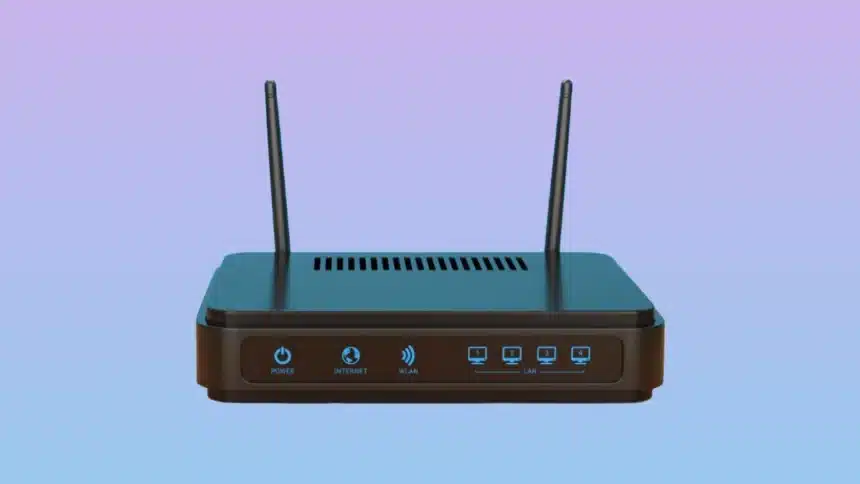
Your internet plan is not always to blame if it seems slower than it should be. Most of the time, the bottleneck is actually your router. Phones, laptops, smart TVs, security doorbells, thermostats, and a rapidly growing list of smart gadgets are constantly competing for bandwidth.
In 2026, when you choose the right Wi-Fi router, it is less about buying the box with the most antennas and more about matching hardware capabilities to your specific home ecosystem.
- How to Choose The Right Wi-Fi Router in 2026: Quick Overview
- Understand What Wi-Fi Standard You Need
- Match The Router To Your Home’s Size And Layout
- Check The Number Of Devices You’ll Connect
- Prioritize Security Features
- Consider Smart Home And IoT Compatibility
- Look At Ports And Wired Connectivity
- Decide Between Router-Only, Mesh, Or ISP-Provided Equipment
- Set a Realistic Budget
- Final Thoughts:
How to Choose The Right Wi-Fi Router in 2026: Quick Overview
| Wi-Fi Standard / Setup | Best For | Ideal Home Size | Estimated Budget |
| Wi-Fi 6 (802.11ax) | Everyday browsing, light streaming, basic devices | Small apartments (1-2 rooms) | $50-$100 |
| Wi-Fi 6E | Dense apartments with crowded wireless signals | Medium homes, apartments | $100-$250 |
| Wi-Fi 7 (802.11be) | Heavy 4K/8K streaming, competitive gaming, future-proofing | Large homes, high device density | $250-$600+ |
| Mesh Wi-Fi Systems | Eliminating dead zones, smooth roaming | Multi-story homes, concrete walls | $200-$600+ |
Understand What Wi-Fi Standard You Need
Today, routers come in a few different Wi-Fi generations and wireless standards. The label on the box tells you a lot about how well it works and how well it will work in the future.
- Wi-Fi 6 (802.11ax): This type of network is still easy to find and a good, cheap option for most homes. Good speed for everyday use and good support for multiple devices.
- Wi-Fi 6E: It adds the 6GHz band, which is less crowded because older devices can’t connect to it. This is great if you live in an apartment building with other networks all around you.
- Wi-Fi 7 (802.11be): It is the current top standard. It has faster speeds, less latency, and better performance when a lot of devices are connected at once. Wi-Fi 7 routers are popular now and don’t cost too much. If you want a router that won’t feel old in two years, choose one that came out in 2026.
Wi-Fi 6E or 7 is a safer long-term choice unless money is very tight. This is especially true now that more phones, laptops, and streaming devices come with support for these standards.
Match The Router To Your Home’s Size And Layout
No matter how much the router cost, dead zones will happen if it is placed in the wrong place or covers too much space with a weak router.
- A single router placed in a good spot is usually enough for small apartments or homes with only one floor.
- For homes with multiple floors or thick walls, a mesh Wi-Fi system might be a good option. This type of system uses multiple connected units placed around the house to get rid of dead spots and provide consistent coverage.
- Mesh systems with three or more nodes, or a router paired with dedicated extenders, are worth the money for big homes or homes that need coverage outside (patios, garages).
Take a walk through your home before you buy and make a list of places where connectivity is currently bad. This tells you if you need more power from the router or better coverage all over.
Must Read: What Is Wi-Fi 8? Do You Need a New Router Yet?
Check The Number Of Devices You’ll Connect
In 2026, the average home connects a lot more than just laptops and phones. Voice assistants, security cameras, smart lighting, game consoles, and other connected devices all use the same network.
When looking for a best wireless router, make sure it says it can handle many connections at once. This is usually due to the router’s processor and memory, not just its Wi-Fi standard. If you have more than 20 devices connected, look for routers with more RAM and multiple CPU cores. Cheap routers can slow down a lot when they have many devices connected, even if their advertised speeds look impressive.
Prioritize Security Features
Given how often routers are attacked, security has grown as an important factor in buying decisions.
Look for:
- WPA3 encryption is now standard, but make sure it’s still included.
- Automatic updates to the firmware, so security patches are applied without having to do anything by hand
- Many router brands offer built-in threat protection or malware filtering as a free or paid feature.
- Support for a guest network so that visitors or IoT devices can connect without getting into your main network
In the long run, a router that gets regular security updates from the maker is worth more than one that has slightly faster peak speeds but a patch history that is all over the place.
Consider Smart Home And IoT Compatibility
If you have smart home devices, make sure the router supports Matter. Matter is a standard for connecting smart homes that is becoming more popular. Some routers now come with a Thread border router or smart home hub built in. This can make setting up smart home devices easier and more reliable without the need for a separate hub.
Look At Ports And Wired Connectivity
Sometimes, a stable wired connection is better than a wireless one. This is especially true for devices like gaming PCs, consoles, or media servers where latency is a problem.
Check for:
- Fast Ethernet ports (2G or higher) if you already have a fast internet plan or want to get one
- A plan to add a switch or enough LAN ports for your wired devices
- USB ports let you connect external drives for storage on a local network.
Make sure the router’s ports can handle a faster connection if your internet plan offers more than 1 Gbps. A router that can only handle 1 Gbps Ethernet will slow down a faster connection.
Decide Between Router-Only, Mesh, Or ISP-Provided Equipment
Many internet service providers give you a router when you sign up for their service. These are often useful, but they might not have enough power or come with monthly fees to keep them. It usually pays for itself in a year or two if you buy your own router or mesh system. You also have more control over settings, security, and upgrades.
Set a Realistic Budget
In 2026, router prices cover a wide range:
- Budget ($50-$100): Good for small rooms with few devices and normal streaming and browsing needs.
- Mid-range ($100-$250): Good coverage for most homes, often with Wi-Fi 6E and good support for multiple devices.
- High-end/mesh systems ($250-$600+): These are best for big homes with lots of devices, gamers, or people who need a fast, stable connection for work.
It’s not always true that spending more will get you better performance for your home. It’s more important to match the router’s strengths to how you actually use it.
Final Thoughts:
This is what you need to know to choose the right Wi-Fi router in 2026: How big is your home? How many things can connect at once? Do you need strong safety and help with your smart home? Also, what is your reasonable budget? If you answer these questions honestly, they will lead you to the right choice much more reliably than looking for the fastest number on the box. Usually, a router that works better for you will be less flashy and better for your needs.
Visit Devicology for the latest Tech News, Guides, and in-depth Reviews. Follow us on Whatsapp, LinkedIn, X (Twitter) and Instagram to never miss an update!