Most Apple Watch apps treat you like you cannot handle anything more than a notification. A quick ping, a glance, maybe a one-tap reply, and that’s it. But Telegram just decided that this is not enough.
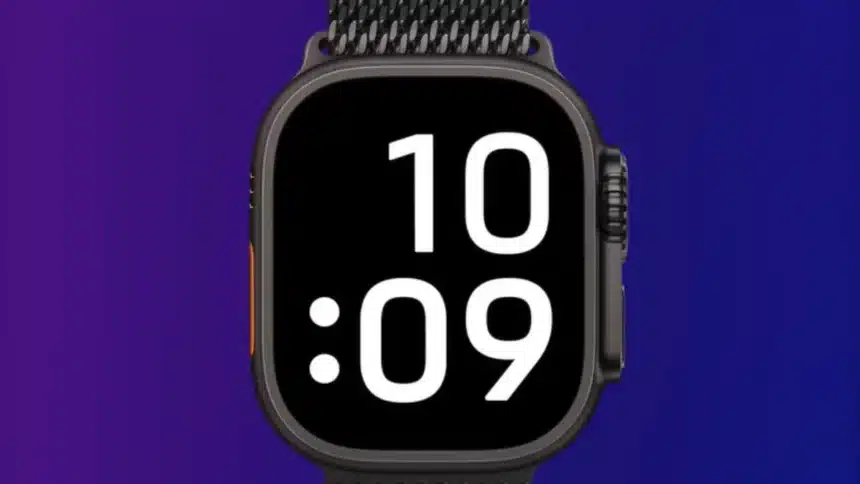
On June 9, 2026, Pavel Durov announced the return of Telegram’s native Apple Watch app via a post on X, and the main feature that sets it apart from practically every other messaging app on the watch is that it supports GIFs, video playback, stickers, and live location sharing, all just on your watch.
⌚️ A fully native Telegram app for Apple Watch is out. pic.twitter.com/3wSr5igssE
— Pavel Durov (@durov) June 9, 2026
This is something different because most apps on watchOS strip media down to almost nothing because playback on such a small screen feels pointless, but I guess Telegram apparently disagrees.
If you are someone who uses Telegram too much for work groups, family chats, or channels, this update matters.
You can browse your full contact list, jump between conversations, play videos, send GIFs while conversing, and share your location without even pulling your iPhone out of your pocket.
How To Play Videos On Telegram’s Apple Watch App
Let me tell you step-by-step how to set up your Telegram Apple Watch app and play videos.
Step 1: Update Telegram on Your iPhone
Update the Telegram app on your iPhone from the App Store and wait for it to install on your Apple Watch automatically. You don’t need to download anything separately from the watch; it will automatically come with the main update.
Step 2: Open Telegram on your Apple Watch
Once the update installs, open the Telegram app directly on your Apple Watch. When you first launch the app on Apple Watch, you are asked to scan a QR code from the Telegram app on your iPhone, just as you do when logging in from another platform, such as the web or the Mac.
Step 3: Scan the QR Code
Open Telegram on your iPhone, go to Settings, and look for the QR code scanner, exactly the way you do for web login. Point it at your watch screen. The setup process works exactly like logging in on a web browser or a desktop computer.
Step 4: Enter Your Cloud Password
If enabled, enter your cloud password for verification. This is Telegram’s two-step verification. If you have, do it; else, skip.
Step 5: Play a Video
Once you are logged in, open any chat that has a video or GIF in it. Tap on the media. It plays directly on the watch display.
After the initial setup, the app runs independently over Wi-Fi or cellular. So you don’t even need your iPhone nearby once you’re logged in.
What is Different About It?
Smartwatch apps have had zero history with the media. The general assumption has been that the screen is too small to enjoy any videos, but Telegram’s voice message feature alone makes the watch app practical.
Telegram users send too many voice notes; it’s one of the platform’s most-used features globally.
So, being able to listen to a voice message on your watch while your phone is in your bag is genuinely useful.
History
The original Telegram watchOS app was launched in 2015 but was pulled around 2022, reportedly due to low adoption and App Store approval friction.
Third-party apps like TGWatch and WatchGram filled the gap in the meantime, but having an official app means you are not dependent on a small developer keeping things updated.
The video playback might feel like a minor detail, but it signals that Telegram is treating the Apple Watch as a real platform.
Also read: How To Create AI Stickers In WhatsApp